- X's muted words hide posts. They never block, and never look at a display name, handle or bio.
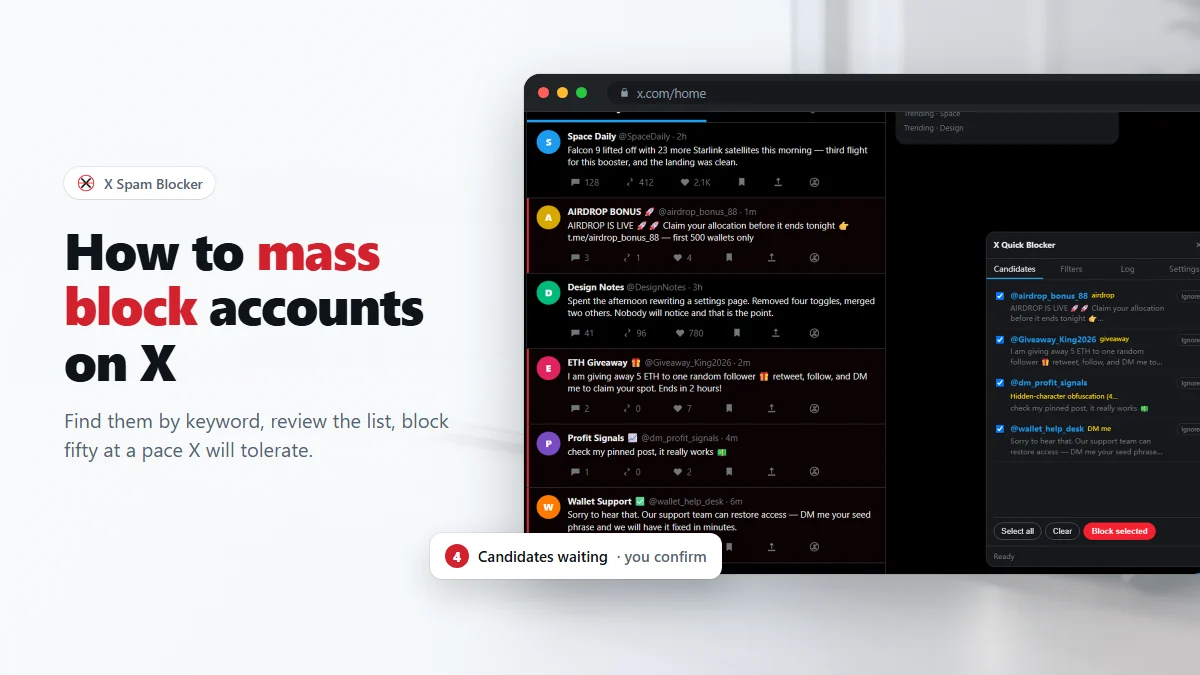
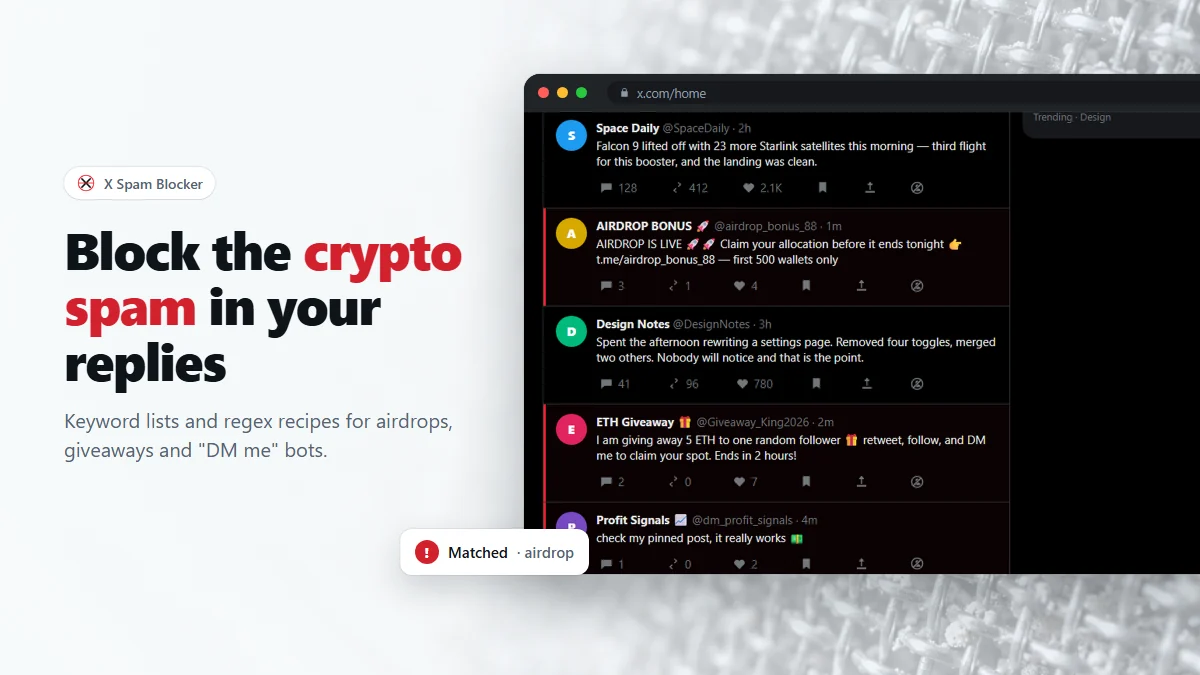
- X Spam Blocker turns a keyword into a block candidate — you confirm, then it blocks.
- Match the handle and display name first; post text is the least precise field by a wide margin.
- For any word that innocent people also use, require a second condition with a lookahead regex.
"Block accounts by keyword" sounds like a setting X should have, and it does not. What X has is muted words, which is a different thing that solves a different problem. This is about where that line falls, and about writing keyword and regex rules that catch spammers without catching the people talking about them.
What muted words actually do
X's muted words live in Settings → Privacy and safety → Mute and block → Muted words. You add a word or phrase, choose whether it applies to your timeline, your notifications or both, whether it applies only to people you do not follow, and for how long.
Within those limits it works well, and it is the right tool for a topic you are tired of. But note what it does not touch:
- It hides posts. The account is untouched — it can still follow you, reply to you, quote you and message you.
- It matches the text of posts. It does not match display names, handles or bios, which is where bot accounts advertise themselves most reliably.
- There is no way to turn a match into any action other than hiding.
- Muting is per-word and permanent maintenance: a new spam script needs a new word, forever.
Keyword mute vs keyword block
| X muted words | Keyword block (this extension) | |
|---|---|---|
| Effect on the post | Hidden from you | Removed from the page once the author is blocked |
| Effect on the account | None | Blocked — cannot follow, reply, quote or message you |
| Fields matched | Post text | Post text, display name, handle, bio |
| Patterns | Words and phrases | Substrings plus full JavaScript regex |
| Applies retroactively | No | No — it acts on what your timeline shows |
| Confirmation | n/a | Candidate list you review before anything happens |
| Reversible | Remove the word | Unblock from the log, one click |
They are complements, not competitors. Mute a topic; block an account. If what bothers you is a subject, muted words are the cleaner answer. If what bothers you is a stream of accounts that will be back tomorrow under a new post, a keyword block is the one that ends it.
Which field to match
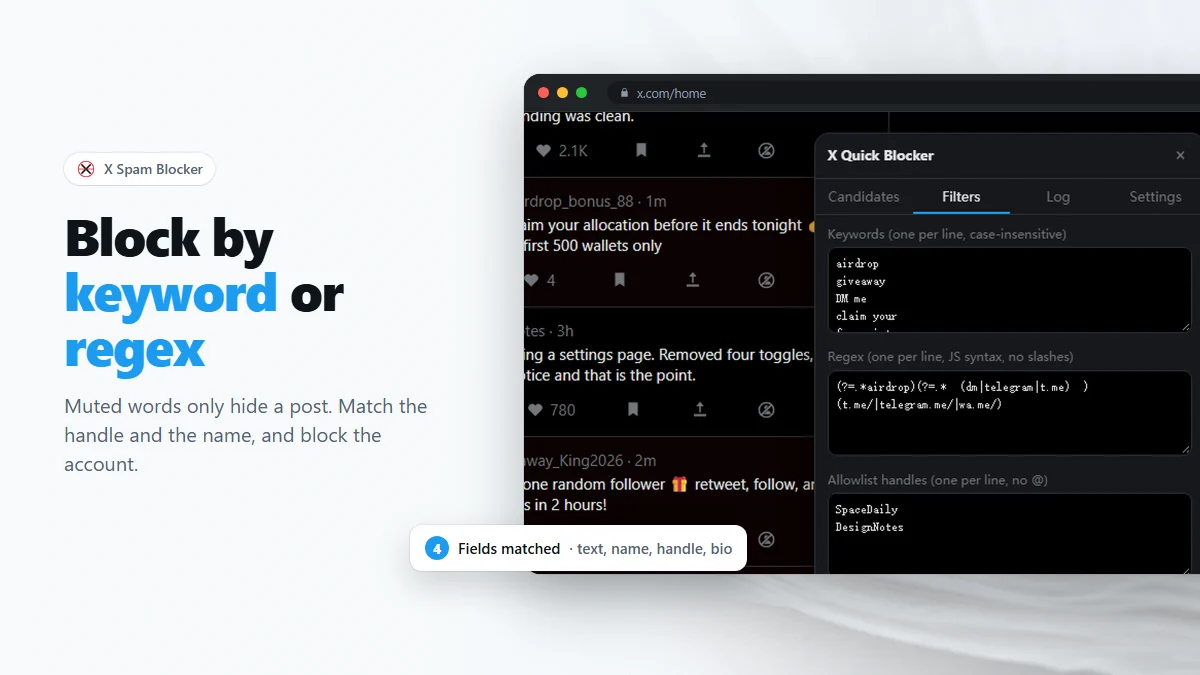
In Settings the four fields are independent switches, and the choice matters more than the wording of your rules. Ranked by how often a match means what you hoped it meant:
- Handle. A handle is chosen deliberately and almost never by accident.
airdropin a handle is a near-certain hit. - Display name. Nearly as good, and it is where impersonators and giveaway bots put their pitch.
- Bio. Good for off-platform contact details and promo language. Only available for accounts whose profile data the extension has already seen, so treat it as a bonus rather than a foundation.
- Post text. The obvious choice and the worst one. Everything ambiguous lives here: criticism, quoting, jokes, and people asking whether a thing is a scam.
A concrete version of that: with post text on, the keyword giveaway catches the bot and also catches the person writing "another fake giveaway in my replies". With post text off and handle on, it catches @Giveaway_King2026 and leaves the complaint alone.
Writing keywords that hold up
Keywords are plain, case-insensitive substrings — no syntax, one per line. Three habits make them reliable:
- Prefer phrases to words.
claim your rewardis safe;claimis not. - Remember substrings do not respect word boundaries.
artmatches "start", "particle" and "@artist". If you want the word, use the regex box and\bart\b. - One rule per idea. A rule you can explain in a sentence is one you can fix later. Long clever rules get deleted wholesale the first time they misfire.
The extension also ships with a small built-in list aimed at a specific genre of reply spam, merged into your filters the first time it runs. It is additive only: delete any of those lines and they stay deleted.
Regex, in the amount you actually need
Patterns go in the Regex box one per line, in JavaScript syntax, with no surrounding slashes. Five pieces cover nearly everything:
| Piece | Means | Example |
|---|---|---|
| | either / or | airdrop|giveaway|presale |
\b | word boundary | \bdm\b — "dm", not "admin" |
? | optional character | signals? — signal or signals |
.* | anything, any length | free.*mint |
(?=…) | must also contain | see below |
Two properties of this particular engine are worth committing to memory. Patterns are case-insensitive, so never write [Aa]irdrop. And they are compiled without the Unicode flag, so \p{L} and friends do nothing useful — reach non-ASCII characters with explicit ranges instead.
The two-condition pattern
This is the one construction worth learning, because it converts a word that is too broad into a rule that is safe. (?=…) is a lookahead: it asserts that something is present without consuming it, so several of them in a row mean "all of these must appear somewhere".
(?=.*airdrop)(?=.*\b(dm|telegram)\b) That reads: mentions an airdrop and pushes you into a private channel. The scam does both. The person complaining about the scam does the first and not the second, so they are untouched. Any ambiguous word can be rescued this way — give it a chaperone that the spam always has and ordinary speech rarely does: a contact channel, an imperative like claim, or a link shortener.
Matching runs against the post text, display name, handle and bio joined together, which has two consequences. The two halves of a lookahead pair can be satisfied by different fields — a handle containing "airdrop" plus a post saying "DM me" is a match. And ^ and $ do not mean the start and end of the post, so write unanchored patterns.
What happens to the text before your rule sees it
Your rule is not tested against the raw page text alone. The extension builds three versions of it and tries each:
- The raw text, exactly as the page has it — so a rule written to match punctuation or a fullwidth character still works.
- A cleaned version: invisible characters stripped out, then Unicode-normalized so fullwidth, circled and sub/superscript letters fold back to plain ones.
- A tight version: the cleaned text with every space, punctuation mark and emoji removed, leaving only letters and digits.
That third one is why a keyword still matches when a spammer spaces a word out with emoji between the characters. Your keywords get the same treatment, so a phrase you copied straight out of a spam reply — invisible characters and all — still works as a filter. The reason any of this is necessary is covered in the invisible-character trick.
The allowlist is part of the filter, not a safety net
The third box in the Filters tab takes handles, one per line, without the @. Those accounts are never flagged and never appear as candidates, whatever they post.
Treat filling it in as step one, not damage control. The accounts most likely to be caught by a broad rule are the ones you read most: the people in your niche discussing the scams, quoting the bots, and using the same vocabulary. Thirty seconds spent putting them in the allowlist buys you permission to write a much more aggressive rule.
Testing a rule before you trust it
- Add the rule with scanning on and fully automatic off — which is the default, and the reason it is the default.
- Scroll a busy reply section and watch the Candidates tab. Every row names the rule that flagged it.
- Read the list without blocking anything. A rule that produced three obvious bots and one person you recognize needs a chaperone before you use it.
- Only when a rule has produced a clean list twice should you consider letting it run without review — and even then, the accounts you care about belong in the allowlist first.
The full workflow around this, including pacing and rate limits, is in how to mass block accounts on Twitter.
Frequently asked questions
Can X block accounts by keyword on its own?
No. X can mute words, which hides matching posts from your timeline and notifications, and it can block an account you pick by hand. It has nothing that turns a keyword into a block, and muted words are never matched against display names or bios.
How many muted words does X allow?
X does not publish a hard number, and in practice people maintain long lists. The limitation is not the count — it is that a muted word only ever hides a post. The account keeps following you, replying to you and messaging you.
Do keyword rules apply to accounts I follow?
They apply to every post the extension sees, including accounts you follow — which is exactly why the allowlist exists. Put the accounts you read into it and no rule can reach them.
Is regex case sensitive here?
No. Patterns are compiled case-insensitively, so there is no need for character classes like [Aa] or an inline flag. They are compiled without the Unicode flag, though, so \p{...} property escapes will not work.
Will a keyword match a word inside another word?
Yes. Keywords are plain substrings, so "art" matches "start" and "@artist". If that is a problem, move the word into the regex box and wrap it in \b word boundaries.
Block spam accounts on X in bulk, after you confirm
Free Chrome extension. No account, no server, no tracking.